
Soocoo Zone1.2.0 - App Store
You'll be able to see results in few seconds.
Publisher Description
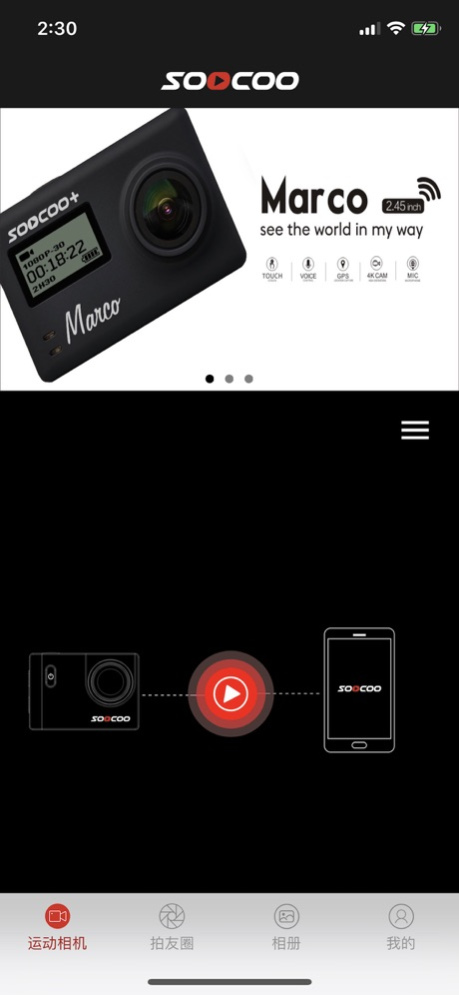
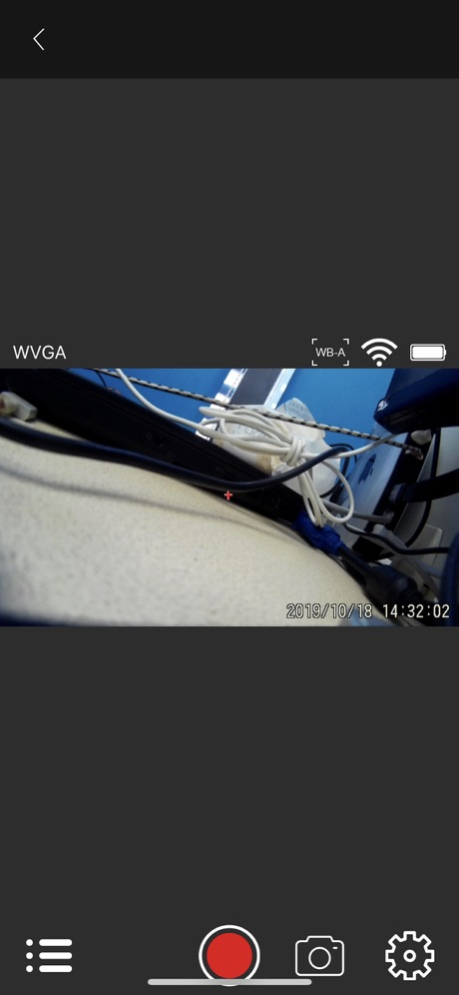
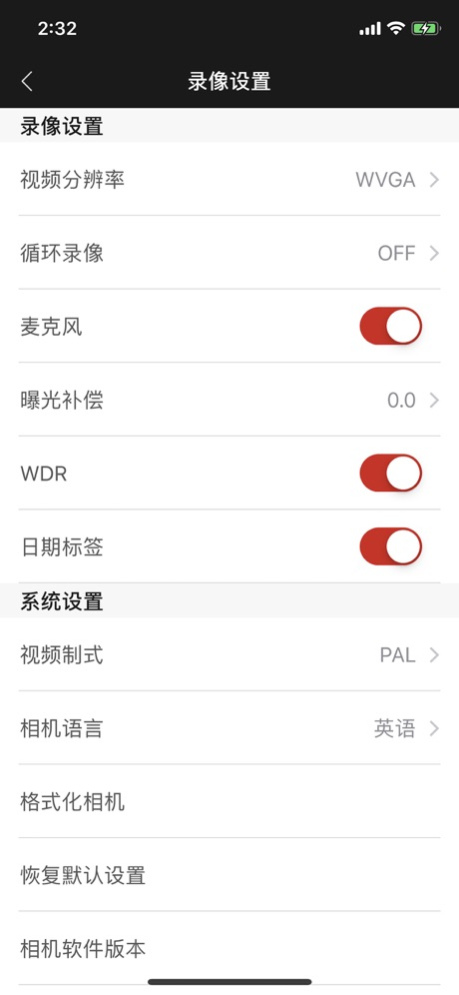
Soocoo Zone! Record your best moments, share your bappiness! Soocoo Zone is the original content sharing platform with hardware as the portal.
Soocoo Zone integrates your phone with an action camera and lets you download the videos or photos and share them instantaneously.
Soocoo Zone! The APP supports all SOOCOO models which allow it to connect both C10S, C20, C30, C30R, C60, C60R, S20WS, S70, S100 and S100Pro. The user can operate the device through the phone, upload content, use post production tools to edit the videos and share the content on the build-in social sharing network.
Soocoo Zone记录您的精彩,分享您的快乐!以硬件为入口的用户原创内容分享平台
Soocoo Zone 整合了SOOCOO所有产品型号,用户通过Soocoo Zone可以控制SOOCOO的产品,如:S80,S100,S200,S300,S100PRO,C10S,F60C,X3,S20WS等。通过Soocoo Zone可以轻松控制WIFI DV设备拍照及录像,并将拍摄的内容通过Soocoo Zone应用提供的编辑工具完成您的个性化设计后既可分享到Soocoo Zone的社交平台。
Mar 23, 2020
Version 1.2.0
Fixed known issues
About Soocoo Zone
The company that develops Soocoo Zone is 深圳市探索发现科技有限公司. The latest version released by its developer is 1.2.0.
To install Soocoo Zone on your iOS device, just click the green Continue To App button above to start the installation process. The app is listed on our website since 2020-03-23 and was downloaded 0 times. We have already checked if the download link is safe, however for your own protection we recommend that you scan the downloaded app with your antivirus. Your antivirus may detect the Soocoo Zone as malware if the download link is broken.
How to install Soocoo Zone on your iOS device:
- Click on the Continue To App button on our website. This will redirect you to the App Store.
- Once the Soocoo Zone is shown in the iTunes listing of your iOS device, you can start its download and installation. Tap on the GET button to the right of the app to start downloading it.
- If you are not logged-in the iOS appstore app, you'll be prompted for your your Apple ID and/or password.
- After Soocoo Zone is downloaded, you'll see an INSTALL button to the right. Tap on it to start the actual installation of the iOS app.
- Once installation is finished you can tap on the OPEN button to start it. Its icon will also be added to your device home screen.
Program Details
System requirements
Download information
Pricing
Version History
version 1.2.0
posted on 2020-03-23
Mar 23, 2020
Version 1.2.0
Fixed known issues
Disclaimer
Official App Store Link
We do not host Soocoo Zone on our servers. We did not scan it for viruses, adware, spyware or other type of malware. This app is hosted by Apple and passed their terms and conditions to be listed there. We recommend caution when installing it.
The App Store link for Soocoo Zone is provided to you by apps112.com without any warranties, representations or guarantees of any kind, so access it at your own risk.
If you have questions regarding this particular app contact the publisher directly. For questions about the functionalities of apps112.com contact us.
